Designed for Mobile / Available on Stores
FUT Player Info and Stats Screen Design
Overview
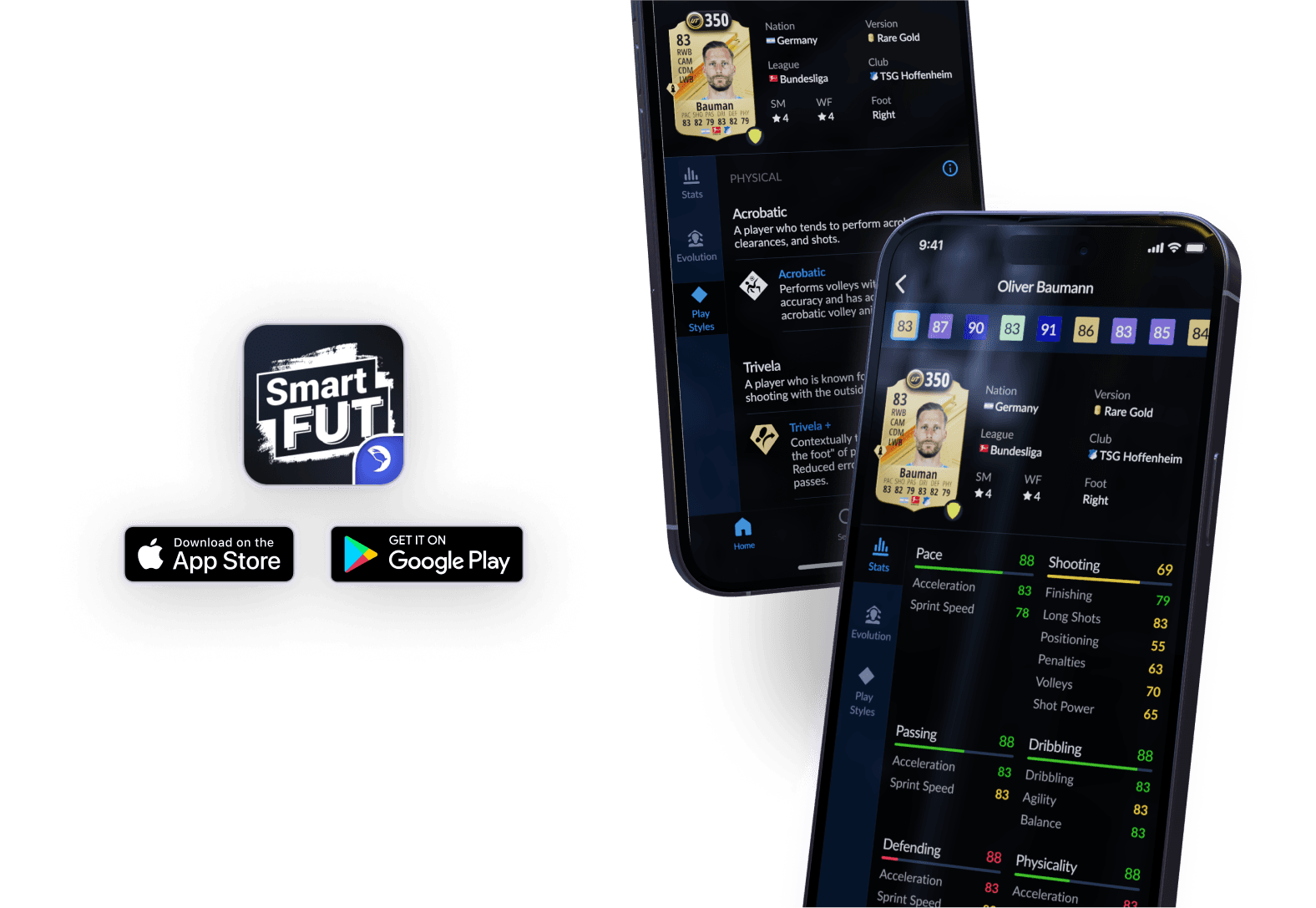
The FUT Player Info and Stats Screen Design is part of a mobile app concept created to enhance the user experience for FIFA Ultimate Team (FUT) enthusiasts. This feature allows users to explore detailed player profiles, compare different card versions, and make strategic decisions based on comprehensive player statistics.
My Role
I designed the application, collaborating with 3 developers, and a product manager throughout.
Timeline
Aug 2023 - Nov 2023
Tools
Figma
Identifying User Challenges
FUT players often need quick access to a variety of detailed information about players to make informed decisions when building their teams. The challenge was to create an interface that presents this complex data in an easily navigable and visually appealing manner, without overwhelming the user.
Challenges:
Design Approach
Based on the research, I developed a design focusing on clarity, efficiency, and ease of use:
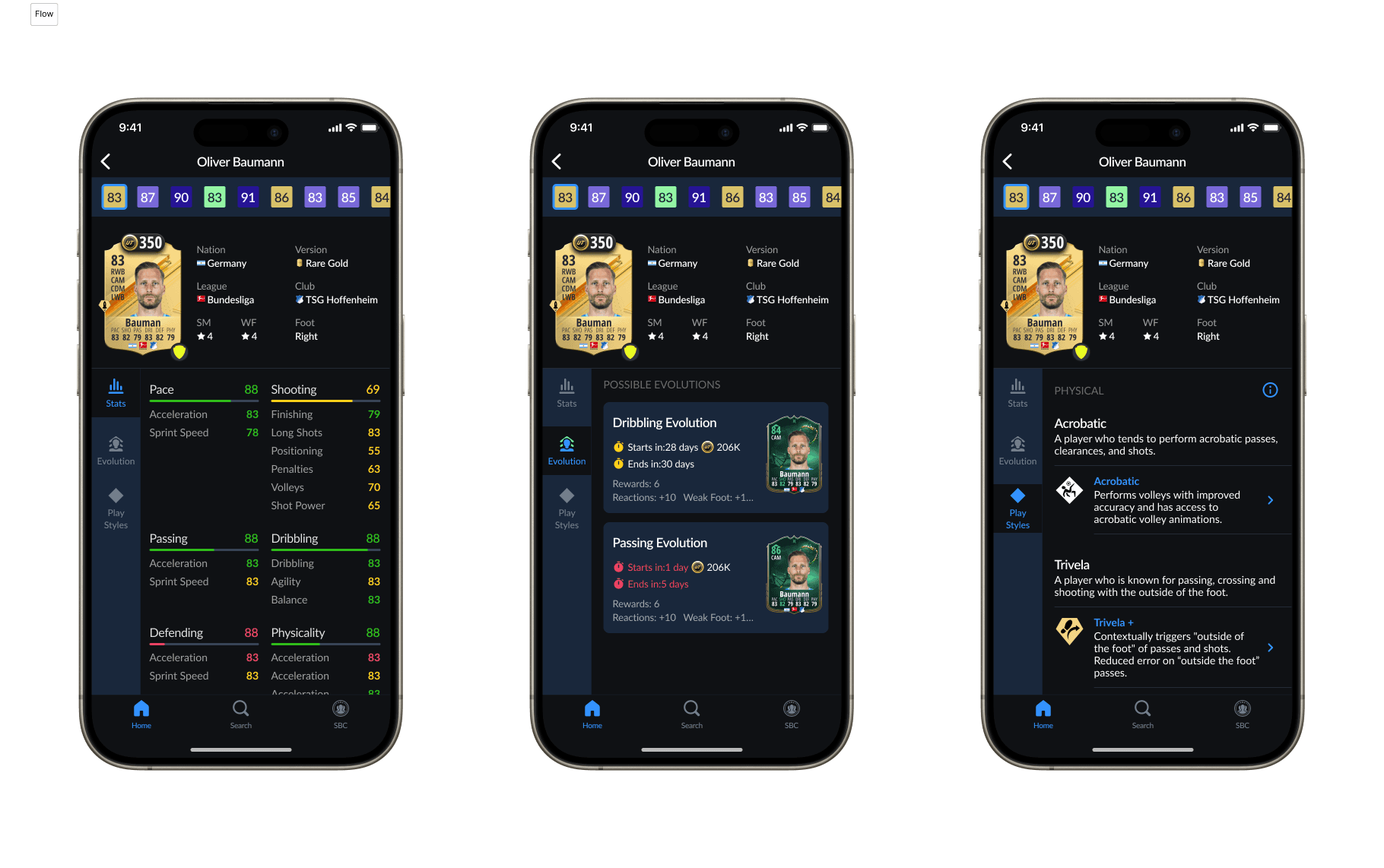
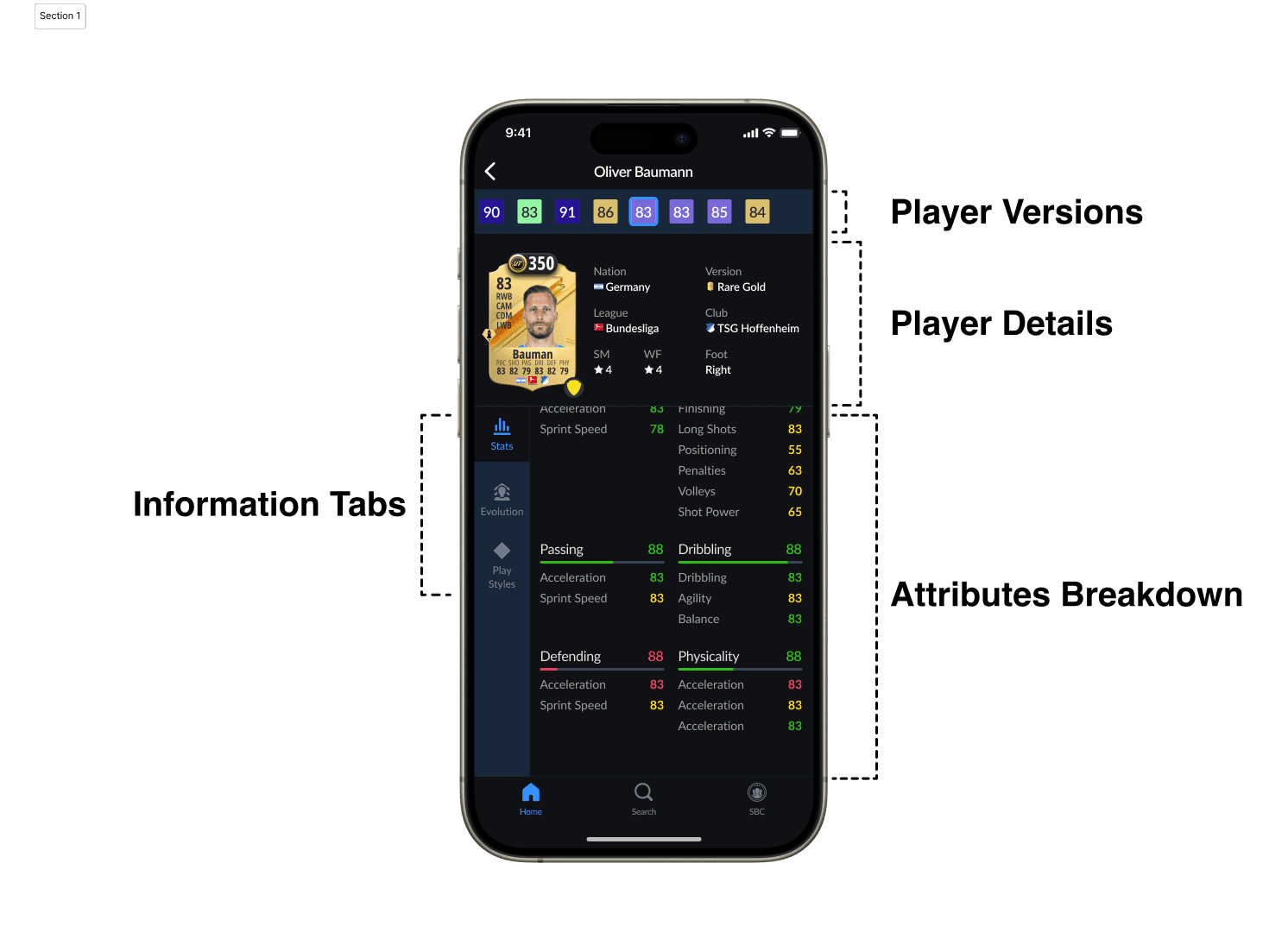
Player Card Variants: Displayed at the top for quick access, allowing users to switch between different versions (e.g., Rare Gold, TOTW) and immediately view associated stats.
Player Profile Section: Key details like nationality, club, league, skill moves, and weak foot ratings are presented prominently to provide a quick overview.
Attribute Breakdown Tabs: Organized information tabs (e.g., Stats, Evolution, Play Styles) provide a structured way to view detailed attributes, such as passing, dribbling, defending, and physicality, without cluttering the screen.
User-Centric Navigation: A sidebar with icons allows users to easily switch between different types of data, enhancing the overall user experience.
Outcomes
The final design simplifies decision-making for users by presenting essential information in an intuitive layout. It minimizes cognitive load and allows for faster navigation between different data points, aligning with the needs and expectations of FUT players. This study demonstrates my ability to turn complex data into a user-friendly experience, balancing visual aesthetics with functionality.